Key takeaways
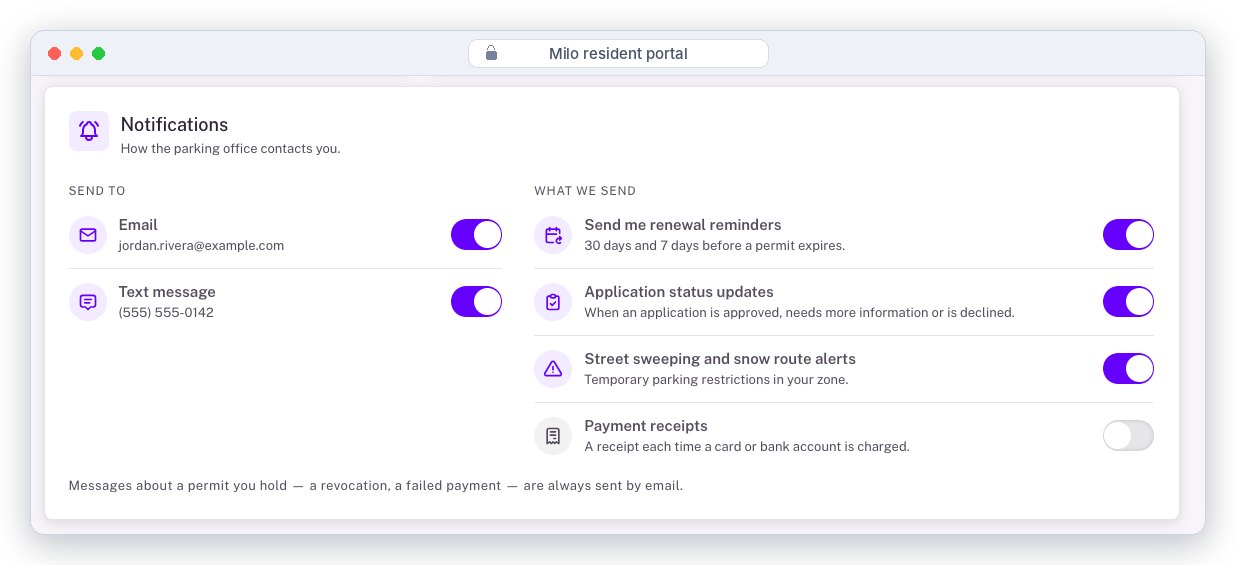
- Send two reminders before the expiry date, for example at 30 days and 7 days, and one clear notice after it.
- Let residents choose email, text or both, and keep a printed option for those who are not online.
- A reminder only works if the renewal behind it is pre-filled and takes about a minute.
A permit that lapses is rarely a decision. Most of the time the holder meant to renew and forgot. Each lapse costs staff time: a late notice, a phone call, sometimes a ticket and an appeal. Good reminders prevent most of that work.
Three things decide whether a reminder works: when it arrives, how it arrives, and what happens when the resident clicks.
Timing: two before, one after
Start about a month before the expiry date. Thirty days gives people time to find an insurance certificate or a vaccination record. A second reminder at seven days catches everyone who put it off.
After the expiry date, send one clear notice that says what has changed: a late fee, a lost place on a waitlist, or enforcement. Avoid a long series of messages. People stop reading them.
In Milo each reminder is a rule with its own timing, channel and template, so a parking program and a pet program can follow different schedules. See notices and communication.
Channels: let residents choose
A text message is a good nudge: short, with one link. An email has room for the details and the receipt. Ask residents which they prefer when they create their account, and follow that choice for routine notices.
Keep urgent notices separate. A road closure or a safety notice should reach everyone by every channel at once, whatever their preferences say. Routine reminders should never be sent that way.
Residents who are not online
Not every resident uses email. If your only reminder is digital, the same households will lapse every year. A printed notice still works, and it can explain how to renew online next time.
Milo's mail-out service prints renewal notices and invoices from the resident's file, places them in an envelope with your municipality's branding and mails them. Each piece is logged on the file, so staff can see what was sent and when.
Make the renewal itself take a minute
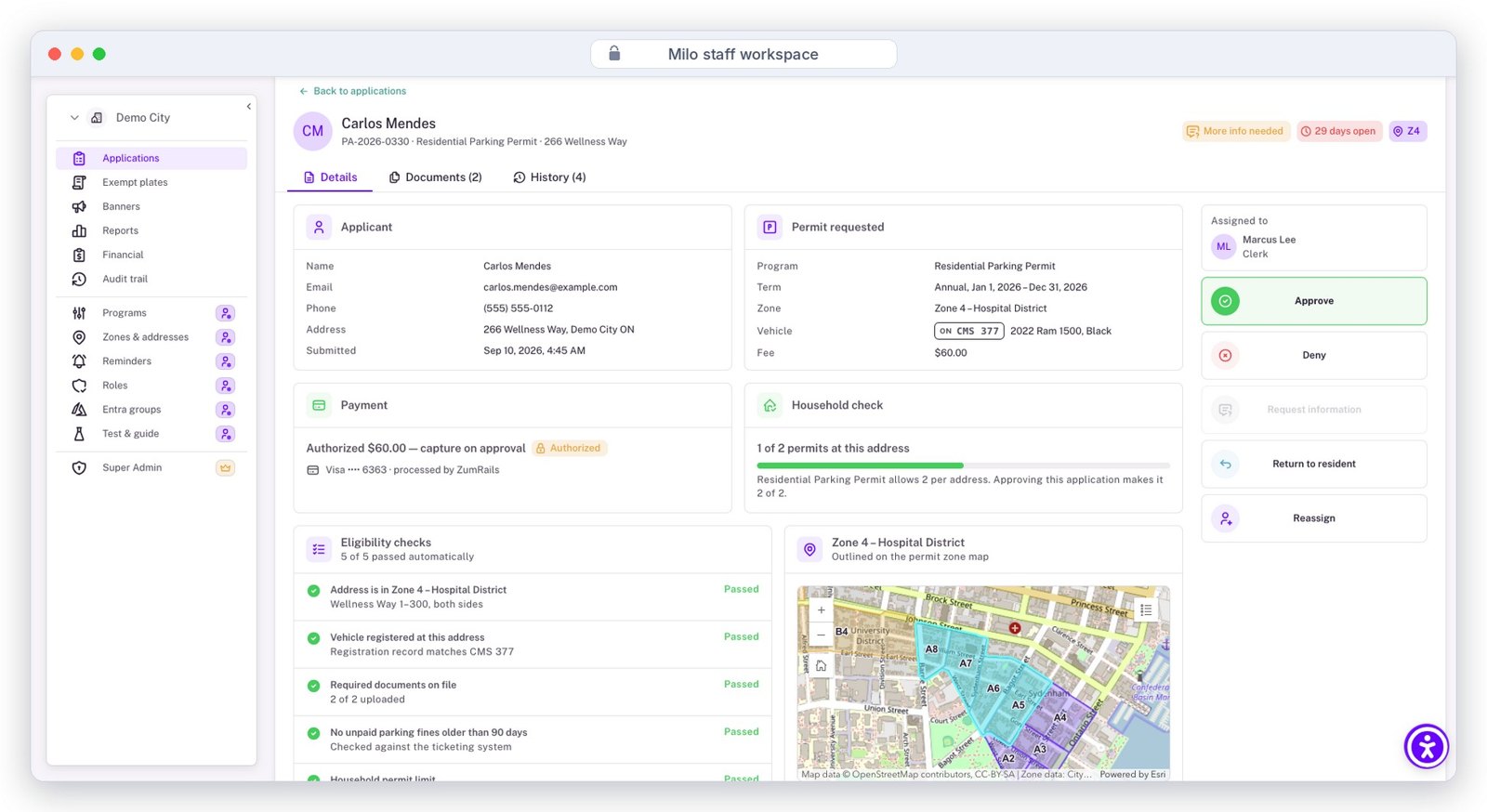
A reminder that leads to a blank form will be ignored. The link should open the resident's own file, already filled in. A good renewal asks for three things:
- Confirm that the details are still correct.
- Upload a new document only if one has expired.
- Pay.
For programs where nothing changes from year to year, offer automatic renewal. The resident portal in Milo supports pre-filled renewals and optional auto-renewal.
What to put in the message
- What is expiring: the permit name and the plate, pet or address it covers.
- The date it expires and the fee to renew.
- One link that goes straight to the renewal.
- What happens if it lapses.
- A phone number for people who need help.
Write it in plain language, in every language your municipality serves. Leave out legal citations. Put them on the permit instead.
Measure it
Two numbers tell you whether reminders are working: the share of permits renewed before the expiry date, and how many lapse each cycle. Look at them by program. If one program lags, check its timing and its wording before adding more messages.