Key takeaways
- In the United States, the ADA Title II rule sets WCAG 2.1 Level AA as the standard for state and local government web content. The compliance dates are now April 26, 2027 for populations of 50,000 or more and April 26, 2028 for smaller entities.
- In Ontario, the AODA requires public websites to meet WCAG 2.0 Level AA.
- A permit portal is made of forms, uploads, payments and documents. Each has its own common failures.
- Ask vendors for evidence, then complete one full application yourself with a keyboard and a screen reader.
When a permit moves online, the web form becomes the service counter. If a resident who uses a screen reader, a keyboard or large text cannot finish the application, the counter is closed to them. That is why accessibility rules for public bodies now name a technical standard.
This guide is practical, not legal advice. Rules differ by state and province, so confirm yours with your clerk or legal counsel.
What the rules say today
United States. In 2024 the Department of Justice adopted WCAG 2.1 Level AA as the standard for state and local government web content and mobile apps under Title II of the ADA. In April 2026 it extended the compliance dates by one year: April 26, 2027 for governments serving 50,000 people or more, and April 26, 2028 for smaller governments and special districts. The standard did not change. Details are on ada.gov.
Ontario. Under the AODA, public websites and web content must meet WCAG 2.0 Level AA, with limited exceptions. The province explains the requirement on ontario.ca.
WCAG 2.1 includes everything in 2.0 and adds criteria for phones and low vision, so a portal built to 2.1 AA covers both.
Where permit portals usually fail
- Forms. Fields without labels, errors shown only in red, and required fields marked by shading alone.
- Uploads. An upload button that cannot be reached by keyboard, or an error that does not say which file was refused.
- Time limits. A session that expires without warning and throws away a half-finished application.
- Payments. A payment step whose fields are not labelled for a screen reader.
- Maps. A zone map that can only be used by clicking, with no way to type an address instead.
- Documents. A permit or letter issued as a PDF that a screen reader cannot read.
How to check a vendor's claim
Ask for three things:
- A conformance report against WCAG 2.1 AA, with its date and who did the testing.
- How accessibility issues are logged and how fast they are fixed.
- Access to a test environment.
Then complete one real application from start to payment, four ways:
- With the keyboard only.
- With a screen reader.
- At 200% zoom.
- On a phone.
If you get stuck, so will a resident.
How Milo approaches it
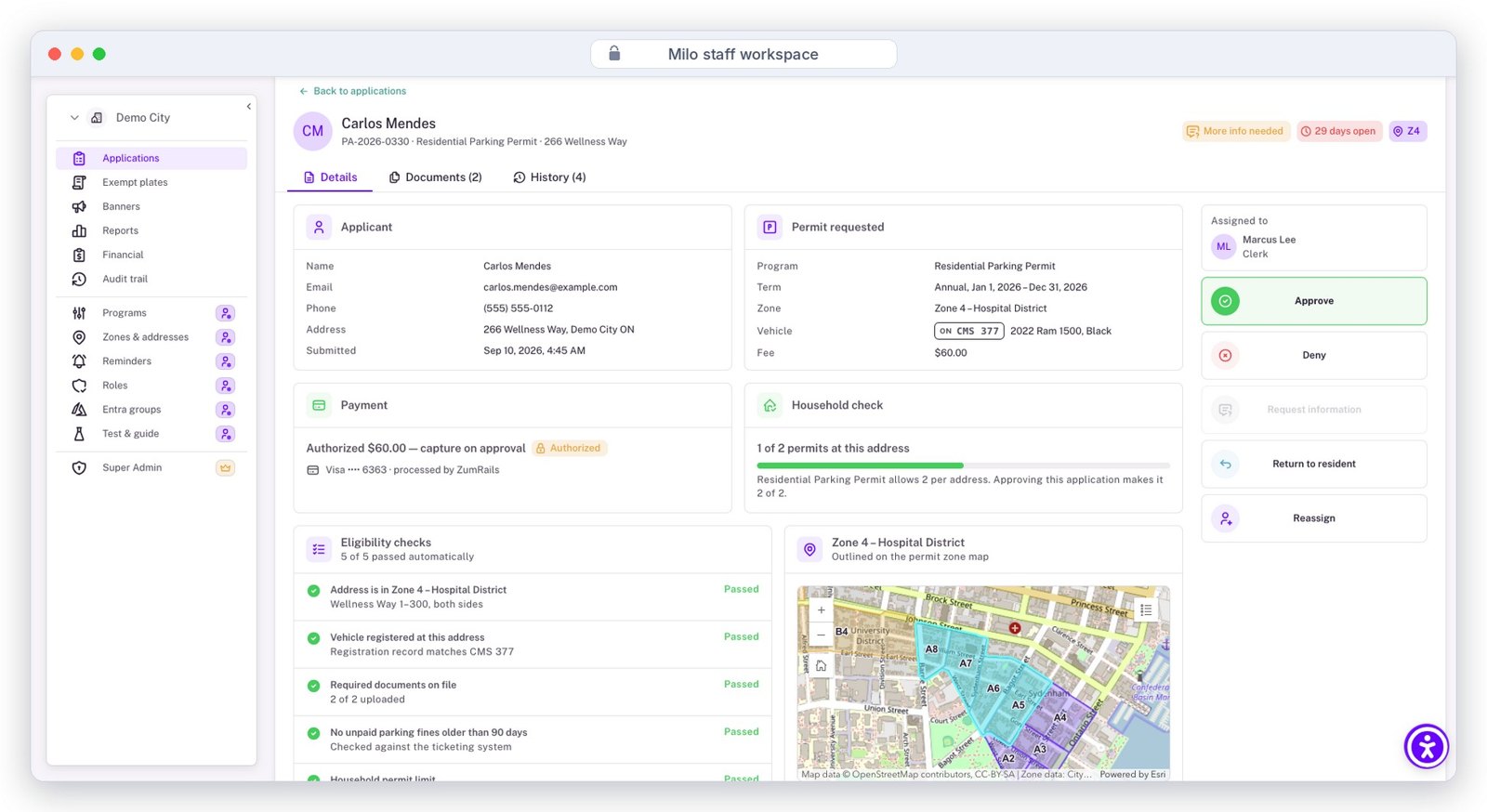
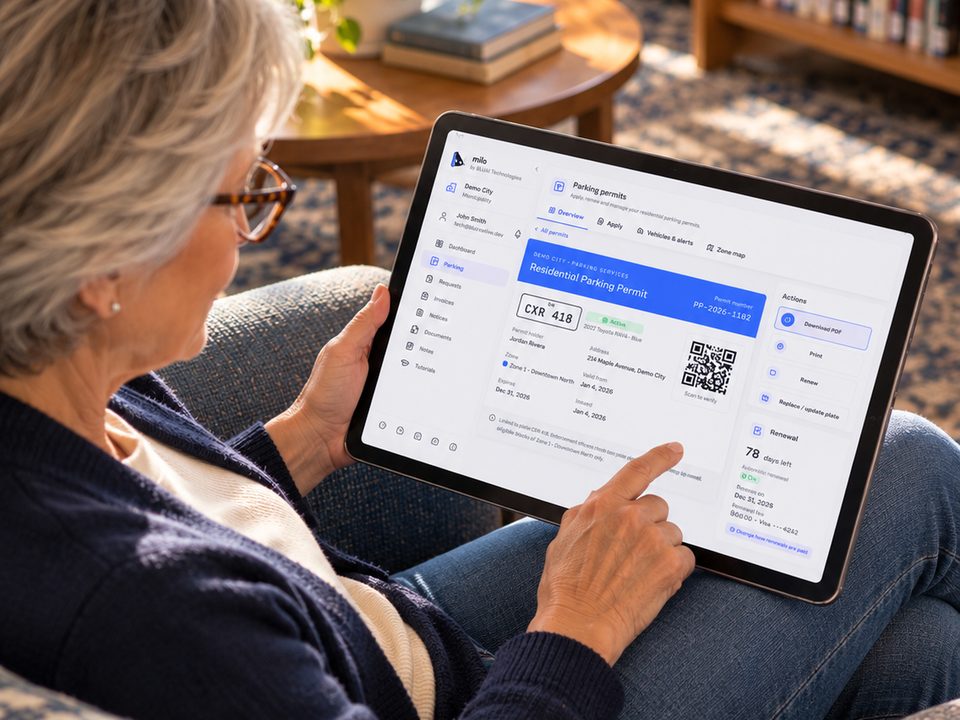
Milo's resident portal is built to WCAG 2.1 AA, includes an accessibility widget, runs in English, French and Spanish, and works on any phone. Drafts are saved until the applicant is ready, so nobody loses their work to a time limit.
For an RFP, you can request technical information, including accessibility documentation.