Key takeaways
- The plate is the permit, so a plate change has to reach enforcement right away.
- Check eligibility against your own address data, down to the side of the street.
- Household limits and waitlists need rules that residents can see.
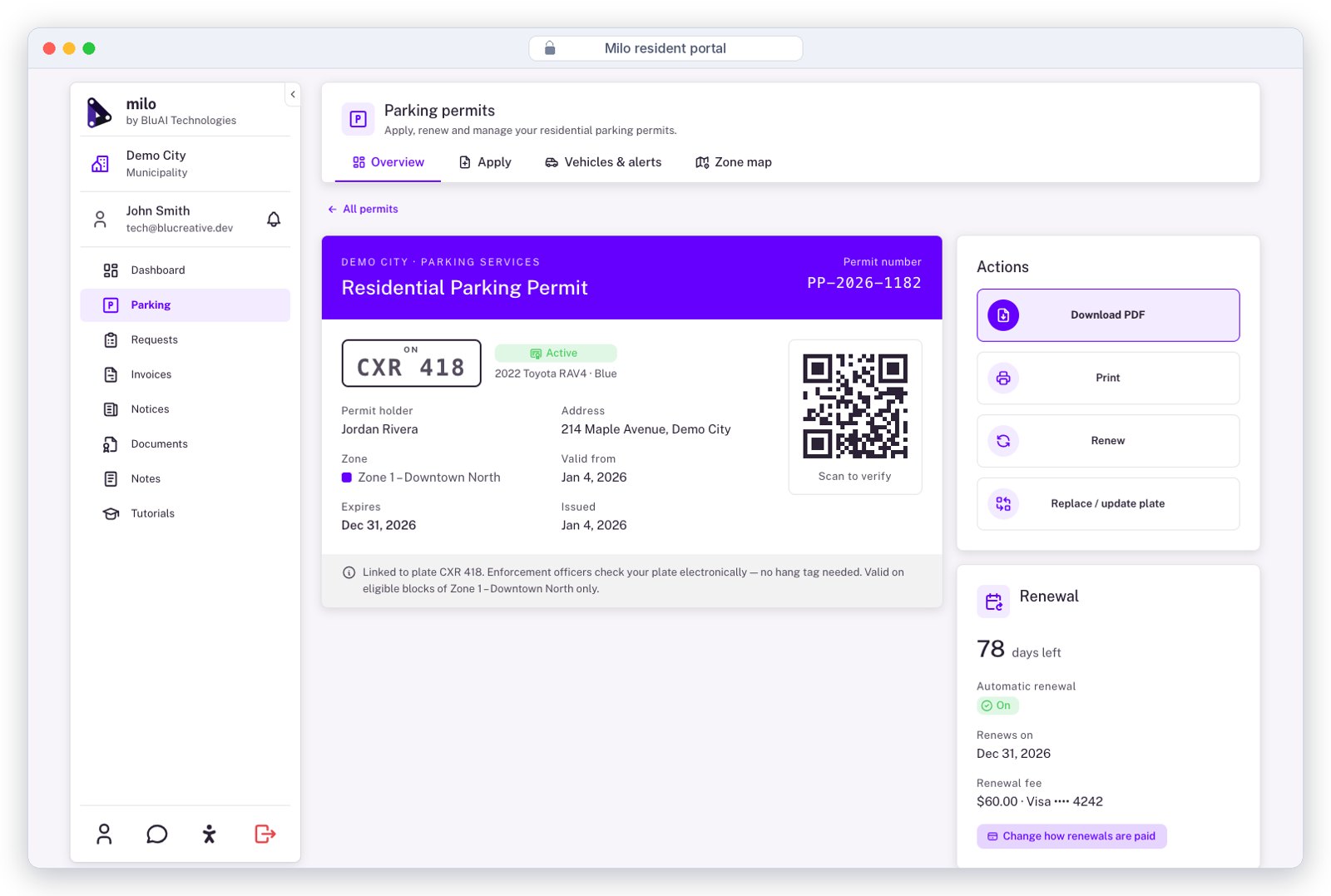
A paper parking permit is a sticker or a hang tag. Someone prints it, mails it and hopes it reaches the right car. A digital permit removes the object. The officer checks the plate, and the system says whether that plate may park in that zone today.
That sounds simple. It works only if four things behind the plate are right.
The plate is the permit
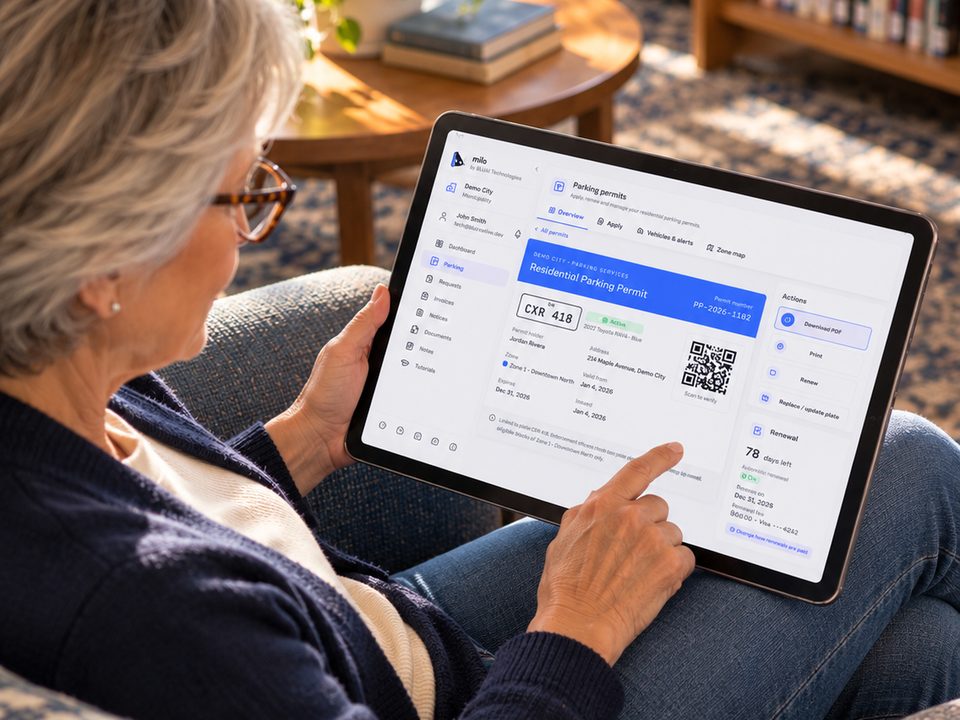
Each permit is tied to one plate and one eligible address. There is nothing to print, mail, lose or lend to a friend. When a resident changes cars, they update the plate online. You decide which changes take effect at once and which ones staff review first.
Keep a count of plate changes per permit. A plate that changes every week is usually a permit being shared.
Zones come from your map
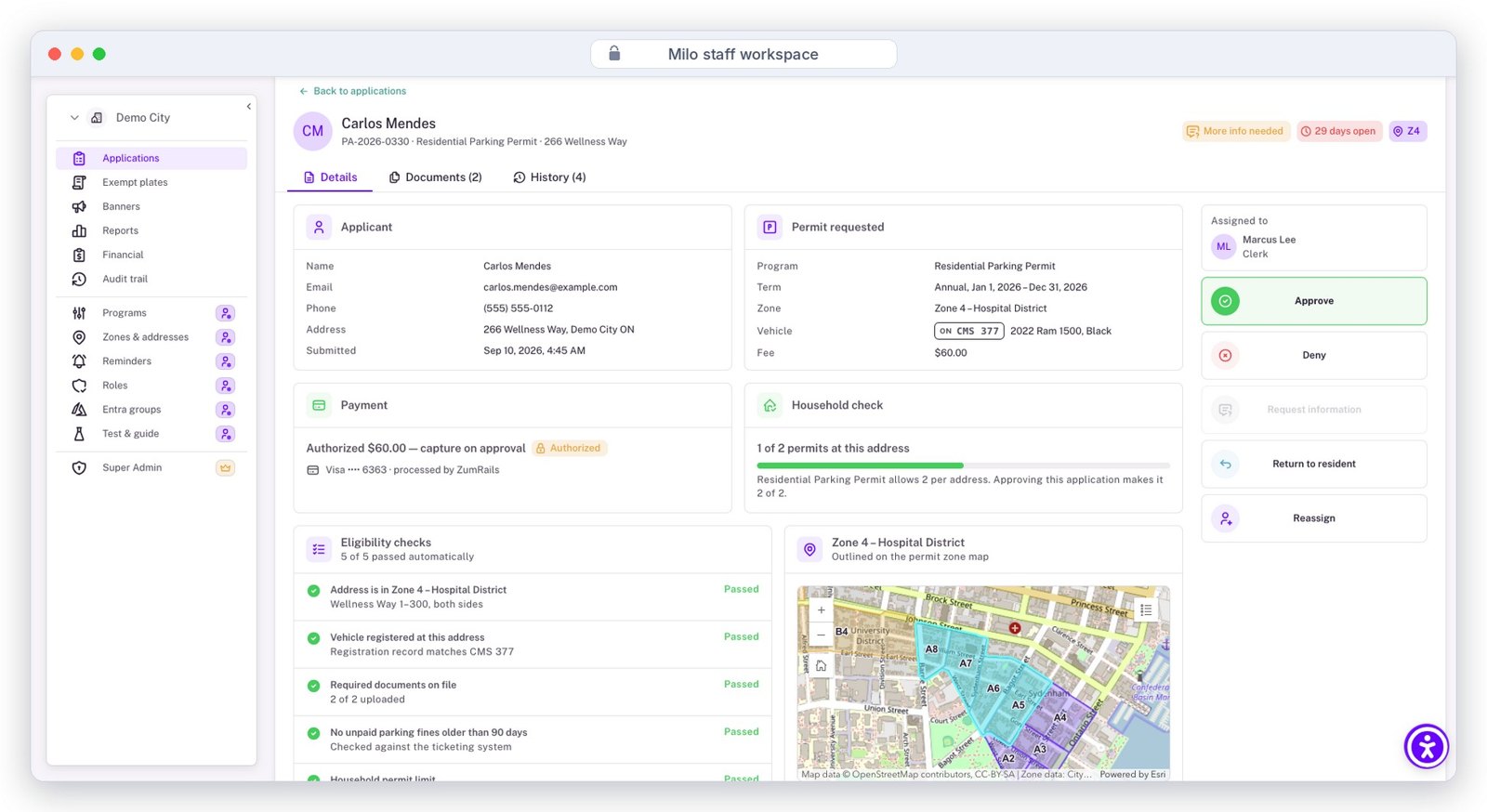
Permit zones already exist in your GIS. Import them from your ArcGIS layer, or from a shapefile or GeoJSON file. Do not redraw them by hand. Then check each applicant's address against your own address data.
The details matter. Zone boundaries often run down the middle of a street, so eligibility has to work by civic-number range and by side of street. A resident who is not eligible should get a clear message at the start, before filling in the whole form. See GIS and property.
Limits and waitlists residents can see
Most programs cap the number of permits per address, and many zones are full. Both rules cause complaints when they are invisible. Show the household limit on the resident's dashboard. Show a waitlist position, and move the list forward automatically when a permit is freed.
Visitors, contractors and temporary permits
A residential program is rarely one permit. Plan for the whole family of them:
- Resident and accessible parking permits.
- Visitor permits, often limited in number each year.
- Contractor permits tied to a job address and dates.
- Temporary on-street permits for moves, construction and events, with prorated fees.
Each is a variation of the same workflow with its own term, fee and documents. All of them run as parking and traffic permits in Milo.
Enforcement has to know in real time
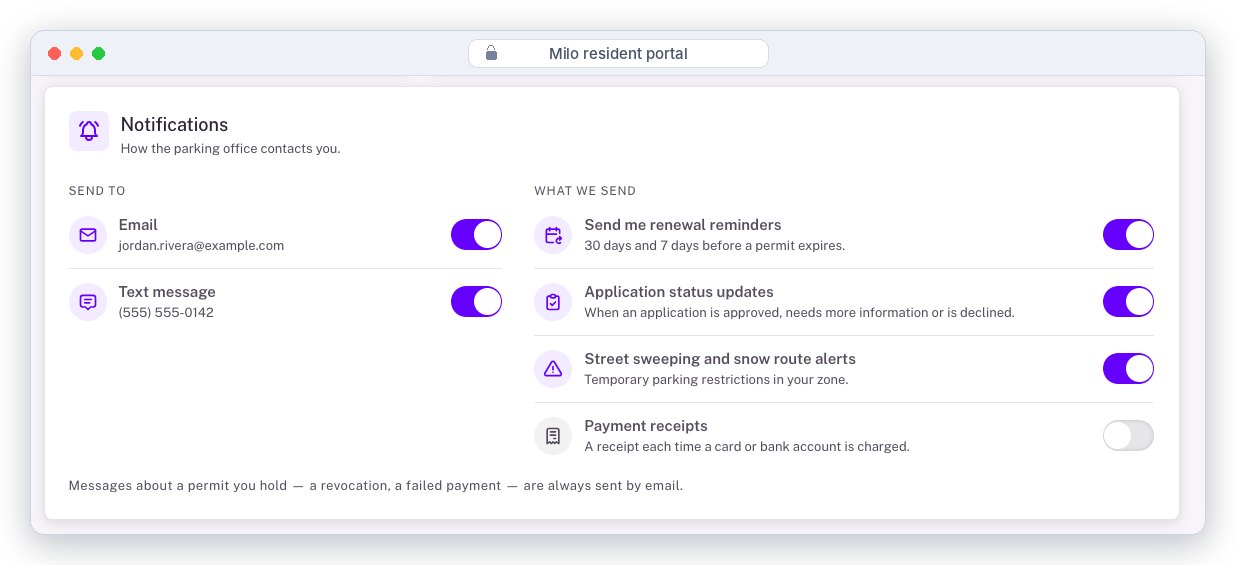
A digital permit is only as good as the list the officer checks. If a resident updates a plate at nine and gets a ticket at ten, the program loses trust. Permit and plate changes should be pushed to your enforcement system as they happen, with a scheduled full sync as a safety net.
Keep exempt and special plates in the same place: one list with the reason, the zones and an end date for each. These include municipal vehicles, care workers and temporary exemptions.
A typical six-week rollout
- Weeks 1 and 2. Zone layer import, address rules, fee schedule and forms.
- Weeks 3 and 4. Enforcement integration, payment setup and staff training.
- Weeks 5 and 6. A walkthrough in a test environment, resident communications and go-live.
Tell residents early what changes for them. They no longer display anything in the car, and they must update their plate when they change vehicles.